> ## Documentation Index
> Fetch the complete documentation index at: https://eetech.mintlify.site/llms.txt
> Use this file to discover all available pages before exploring further.
# Website Chatbot
> This guide will walk you through the steps to create your Website chatbot.
 To create your Website chatbot , you first need to visit the Eetech Dashboard
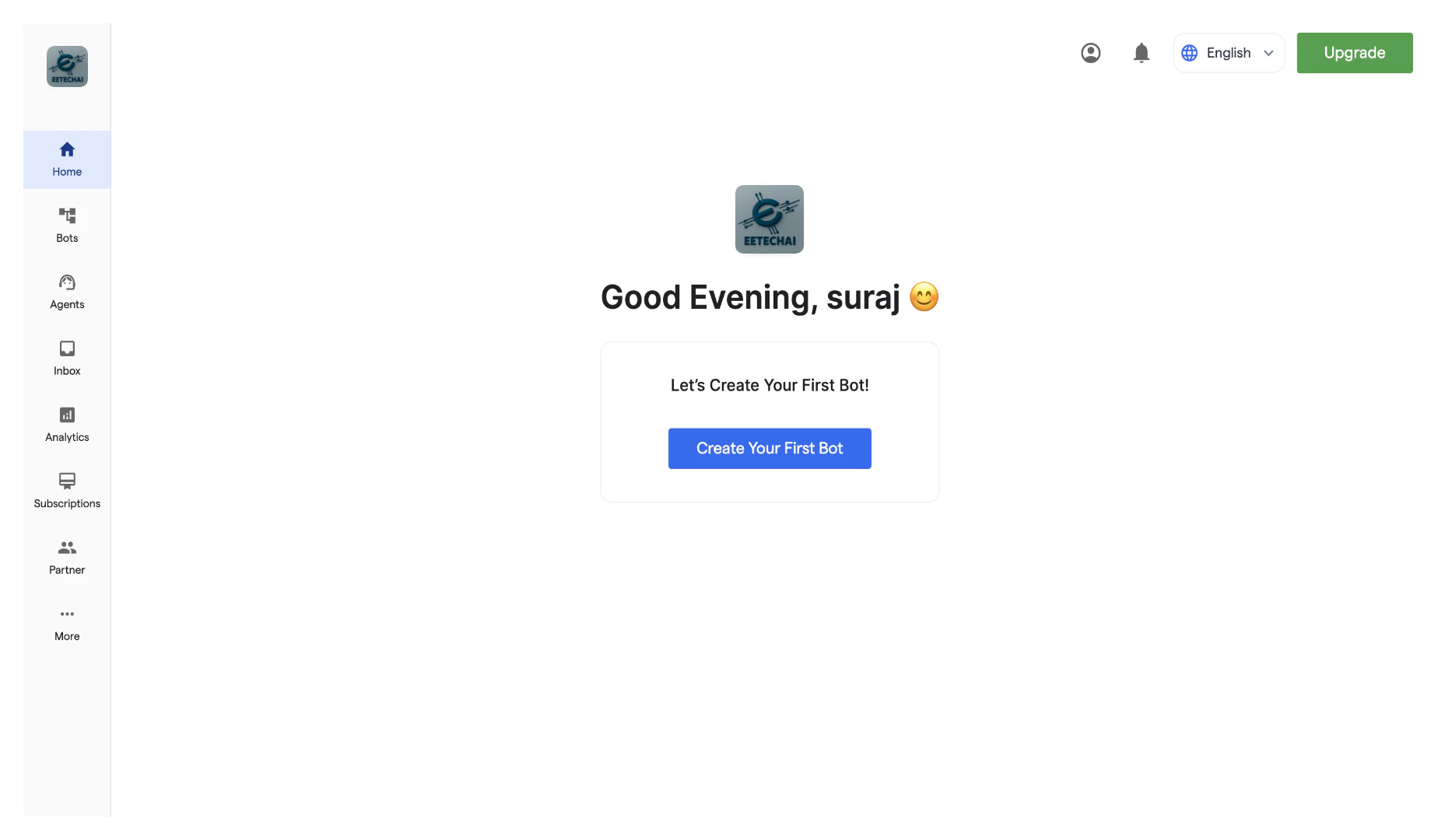 To start creating your new chatbot, click **"Create New Bot."**
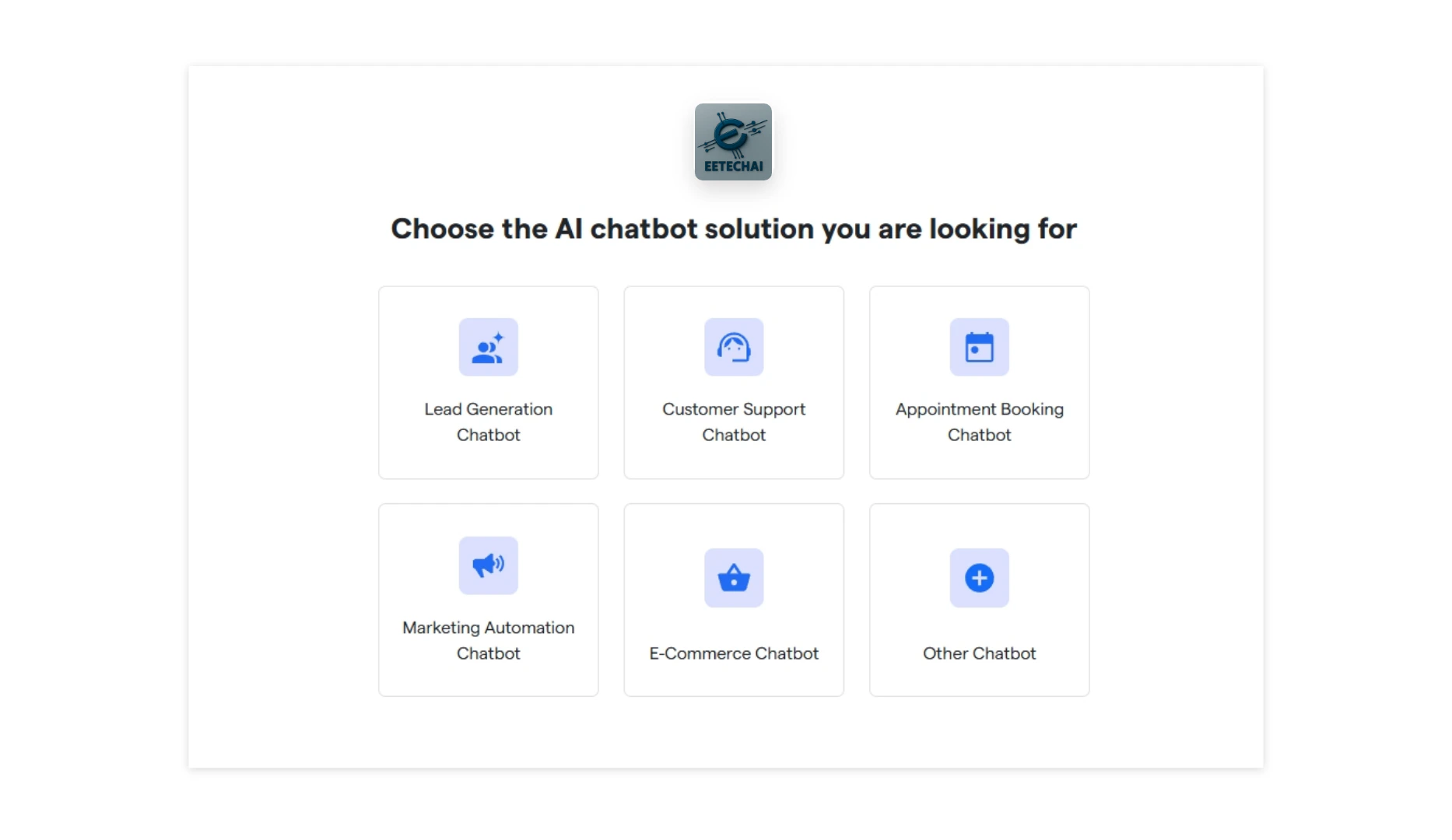
Select the primary purpose for creating your bot and proceed further.
To start creating your new chatbot, click **"Create New Bot."**
Select the primary purpose for creating your bot and proceed further.
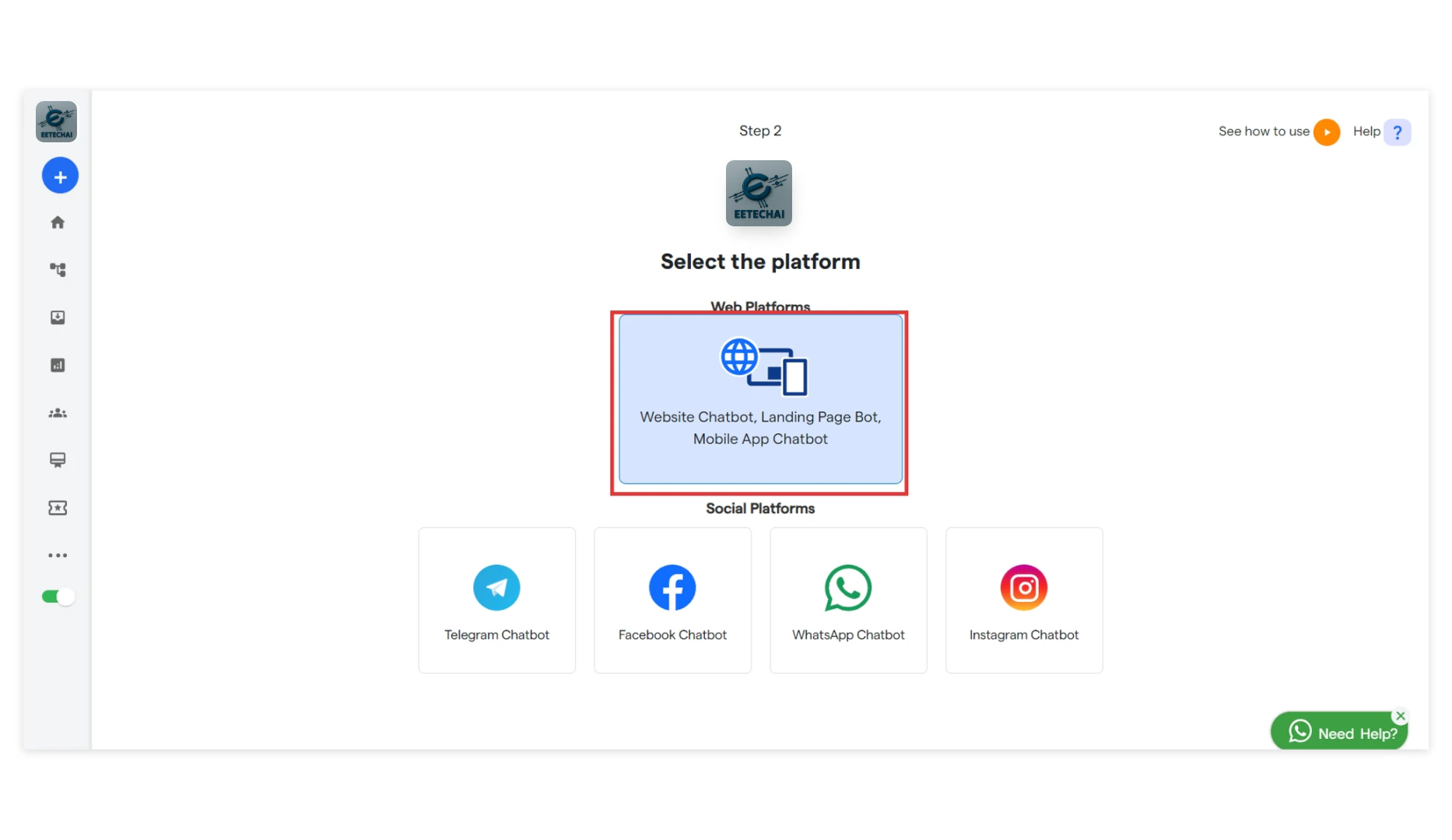
 Select the platform: “**Website Chatbot**”
 You will see a notification: "**Bot has been successfully created.**”
Your bot has been successfully created. Then you will land up on this page, now you can configure the below mentioned items using the below links:
[Next: Landing Page Chatbot →](/how-botpenguin-works/landing_page_chatbot)
You will see a notification: "**Bot has been successfully created.**”
Your bot has been successfully created. Then you will land up on this page, now you can configure the below mentioned items using the below links:
[Next: Landing Page Chatbot →](/how-botpenguin-works/landing_page_chatbot)