> ## Documentation Index
> Fetch the complete documentation index at: https://eetech.mintlify.site/llms.txt
> Use this file to discover all available pages before exploring further.
# Real-Time Customer Interaction
> Take over from Eetech, for personal attention to the users seamlessly.
This guide provides a comprehensive understanding of the following:
* **What is the Live Chat Feature?**
* **How to Integrate the Live Chat Feature into Your Chatbot?**
* **How to User Queries via Live Chat?**
Let’s start with understanding what is live chat?
### **What is Live Chat Feature?**
The Live Chat feature in Eetech enables real-time interaction between your users and your support team. By integrating this feature into your chatbot, you can ensure that when users engage with the chatbot, their queries can be immediately addressed by an assigned agent. This feature enhances the user experience by providing instant support, improving customer satisfaction, and fostering a more personalized and responsive communication channel.
### **How to Integrate the Live Chat Feature into Your Chatbot?**
To manage your chatbot, you first need to visit the Eetech Dashboard
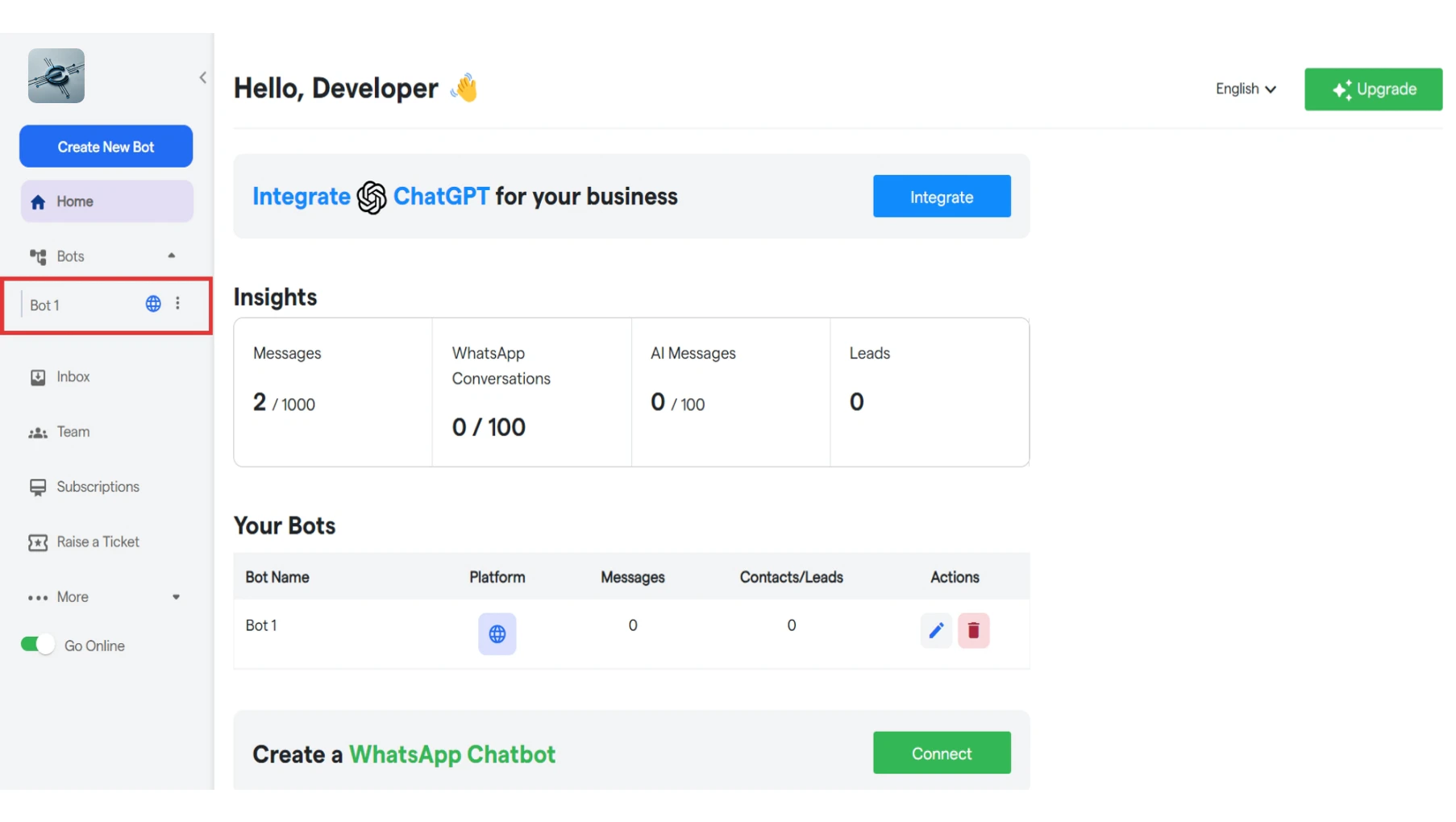
To manage your bot, select it from the left sidebar.
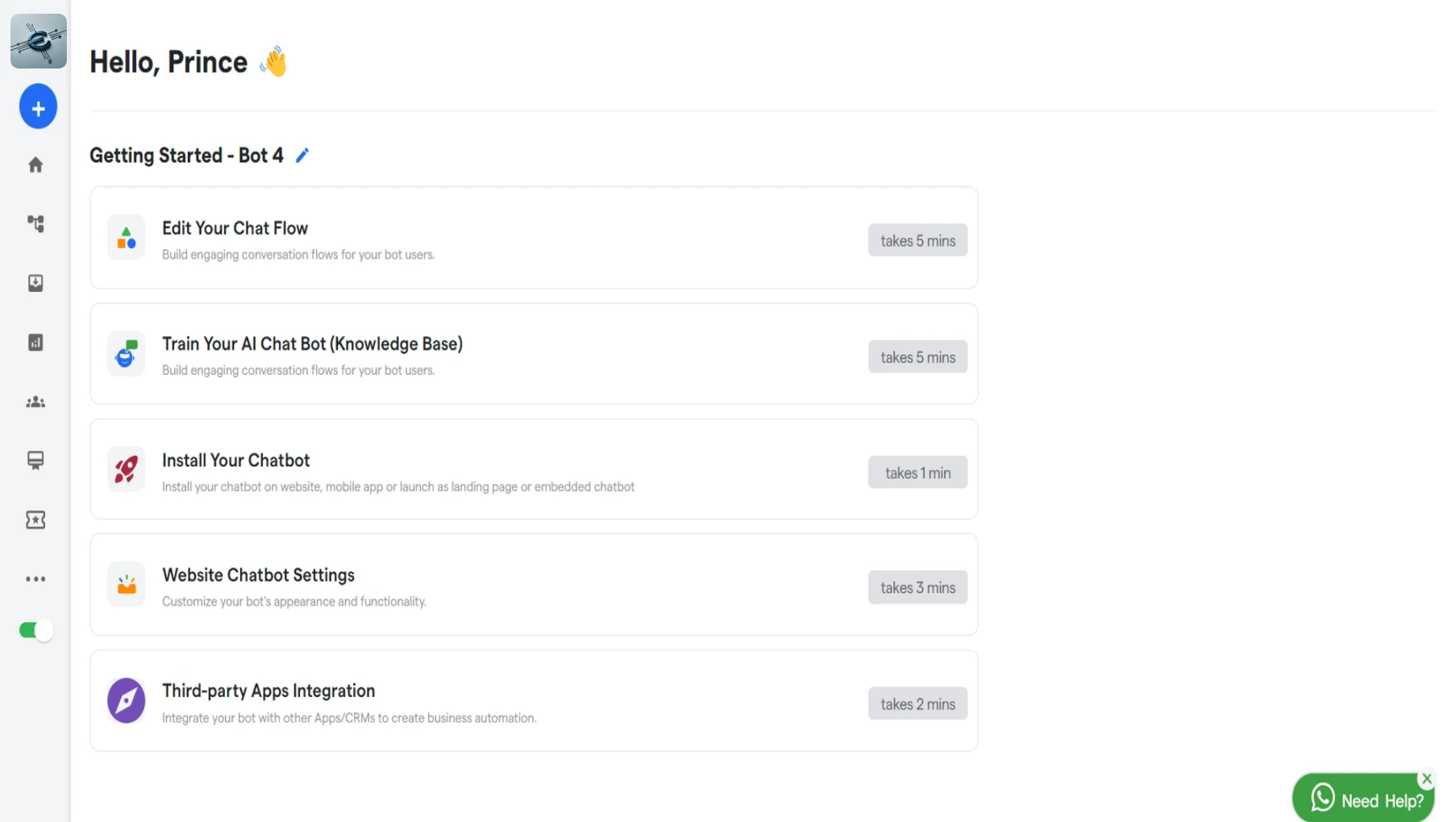
 Click on **“Edit Your Chat Flow”** to customize your chatflow.
 Click on **“Live Chat”** under Trigger Action.
You will see Live chat component has been added.
You can also customize this message as per your requirements.
**Manage Team:**
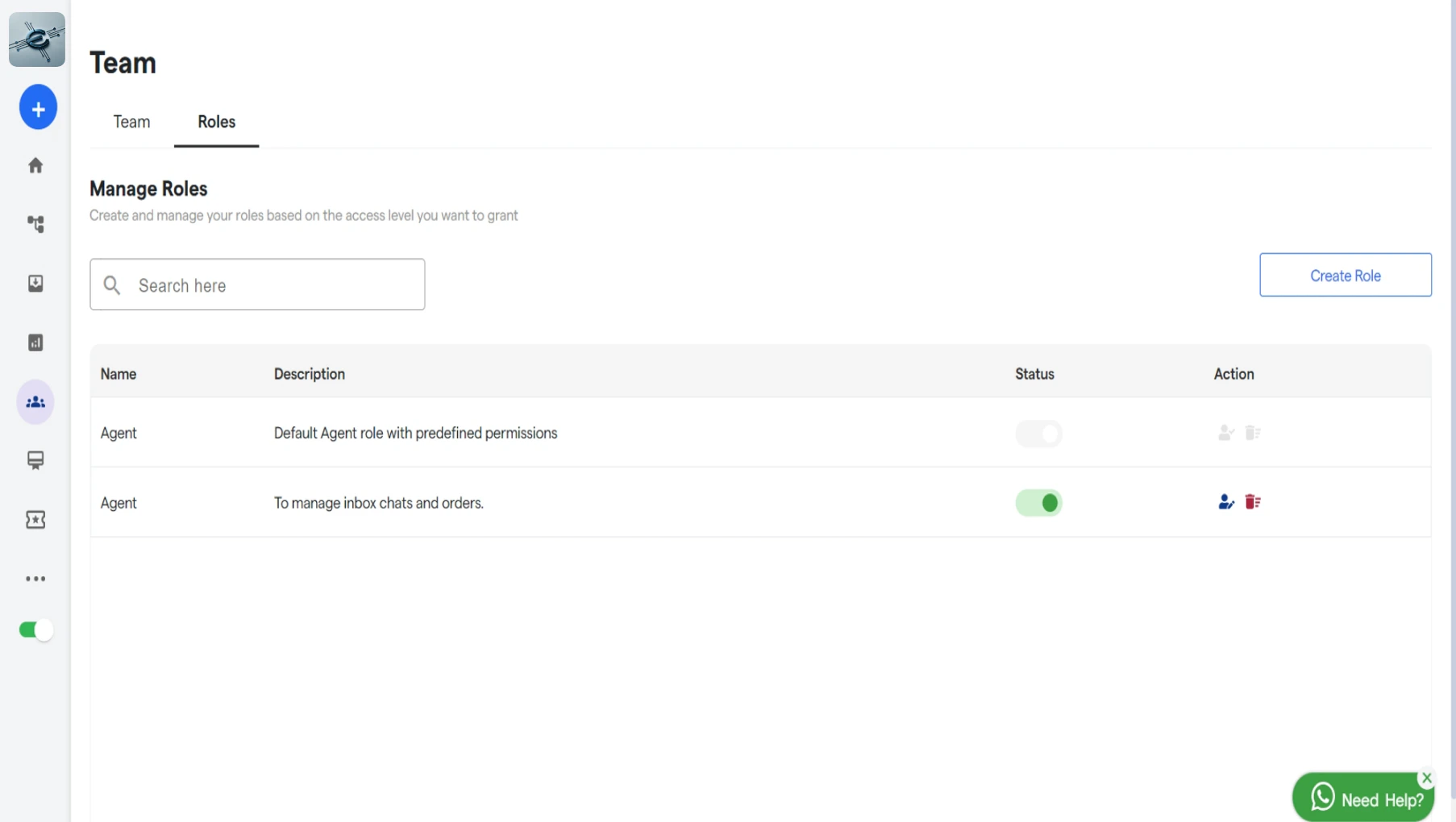
Click on **“Manage Team”** to view all your team members and roles you have created.
Click on **“Live Chat”** under Trigger Action.
You will see Live chat component has been added.
You can also customize this message as per your requirements.
**Manage Team:**
Click on **“Manage Team”** to view all your team members and roles you have created.
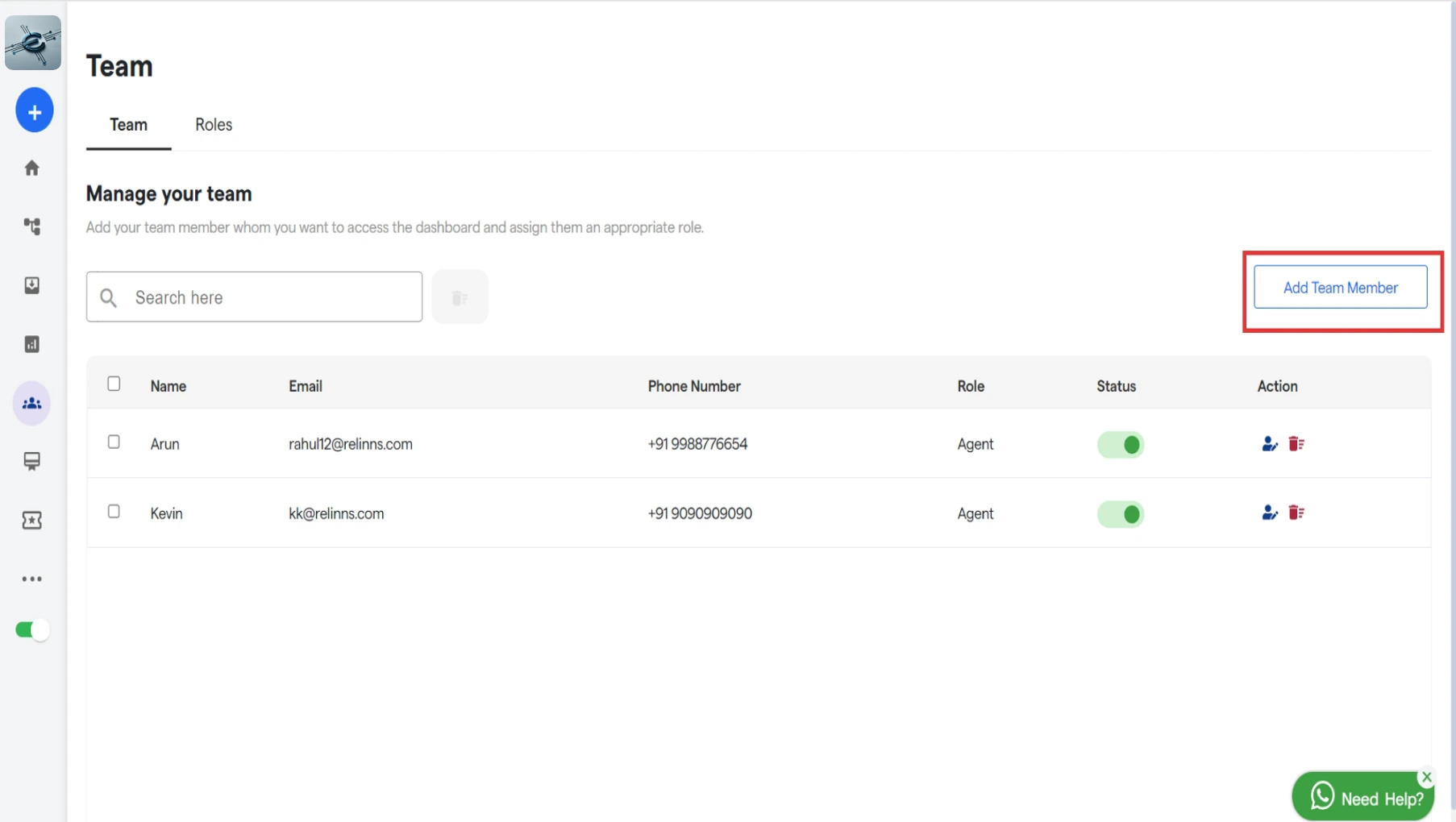 You can add new team member by clicking on **“Add Team Member”.**
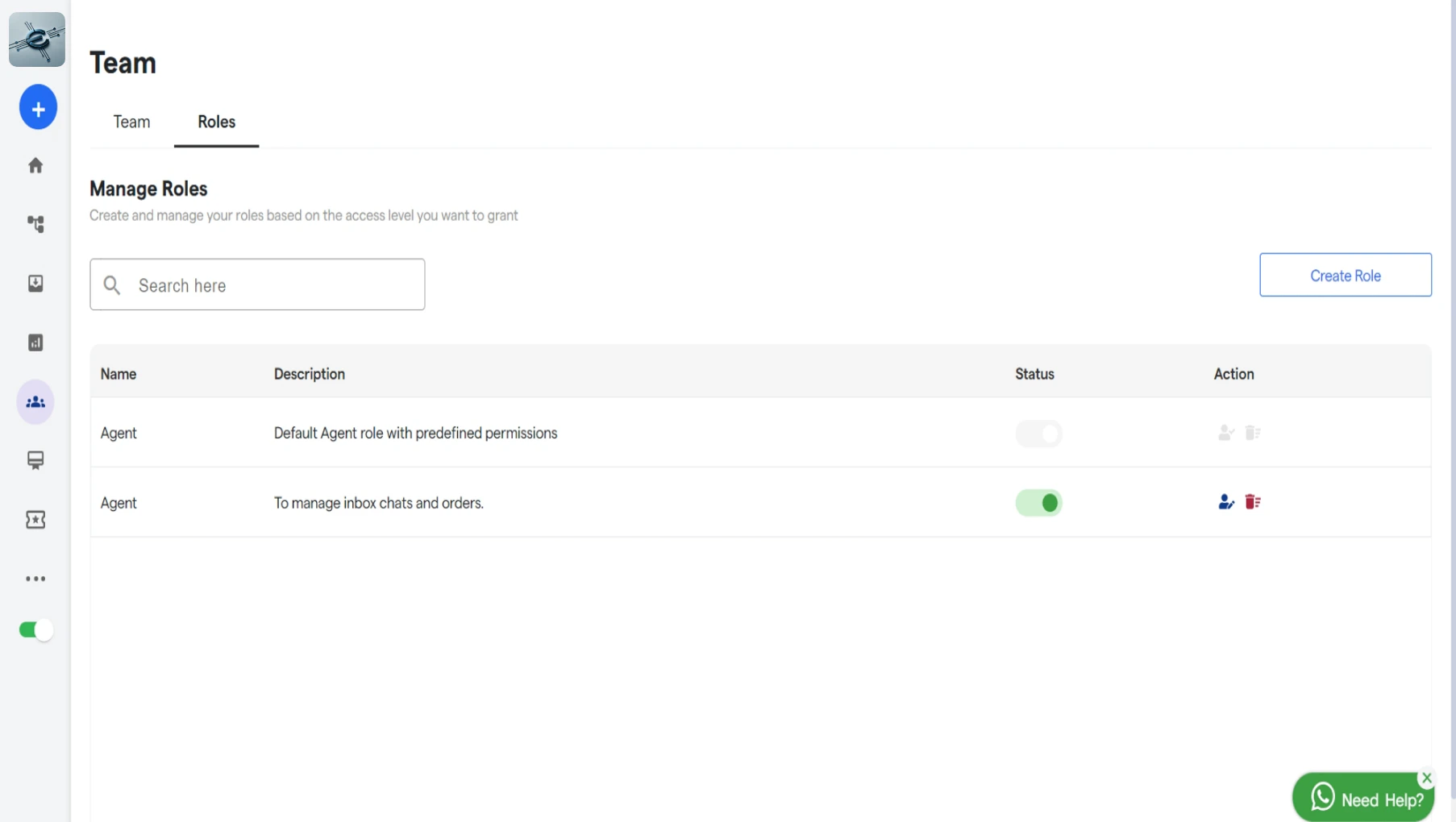
Click on **“Roles”** to view all the roles you have created.
You can add new team member by clicking on **“Add Team Member”.**
Click on **“Roles”** to view all the roles you have created.
 For more details about Team Members and Roles visit [https://help](https://help). Eetech.com/ Eetech-resource-centre/how-botpenguin-works/team
Now, select the message or question that will trigger the transition to Live Chat.
In the **“Go to next message”,** select the **Live Chat component.**
### **How to User Queries via Live Chat?**
You will receive a notification popup whenever there is a new chat request.
For more details about Team Members and Roles visit [https://help](https://help). Eetech.com/ Eetech-resource-centre/how-botpenguin-works/team
Now, select the message or question that will trigger the transition to Live Chat.
In the **“Go to next message”,** select the **Live Chat component.**
### **How to User Queries via Live Chat?**
You will receive a notification popup whenever there is a new chat request.
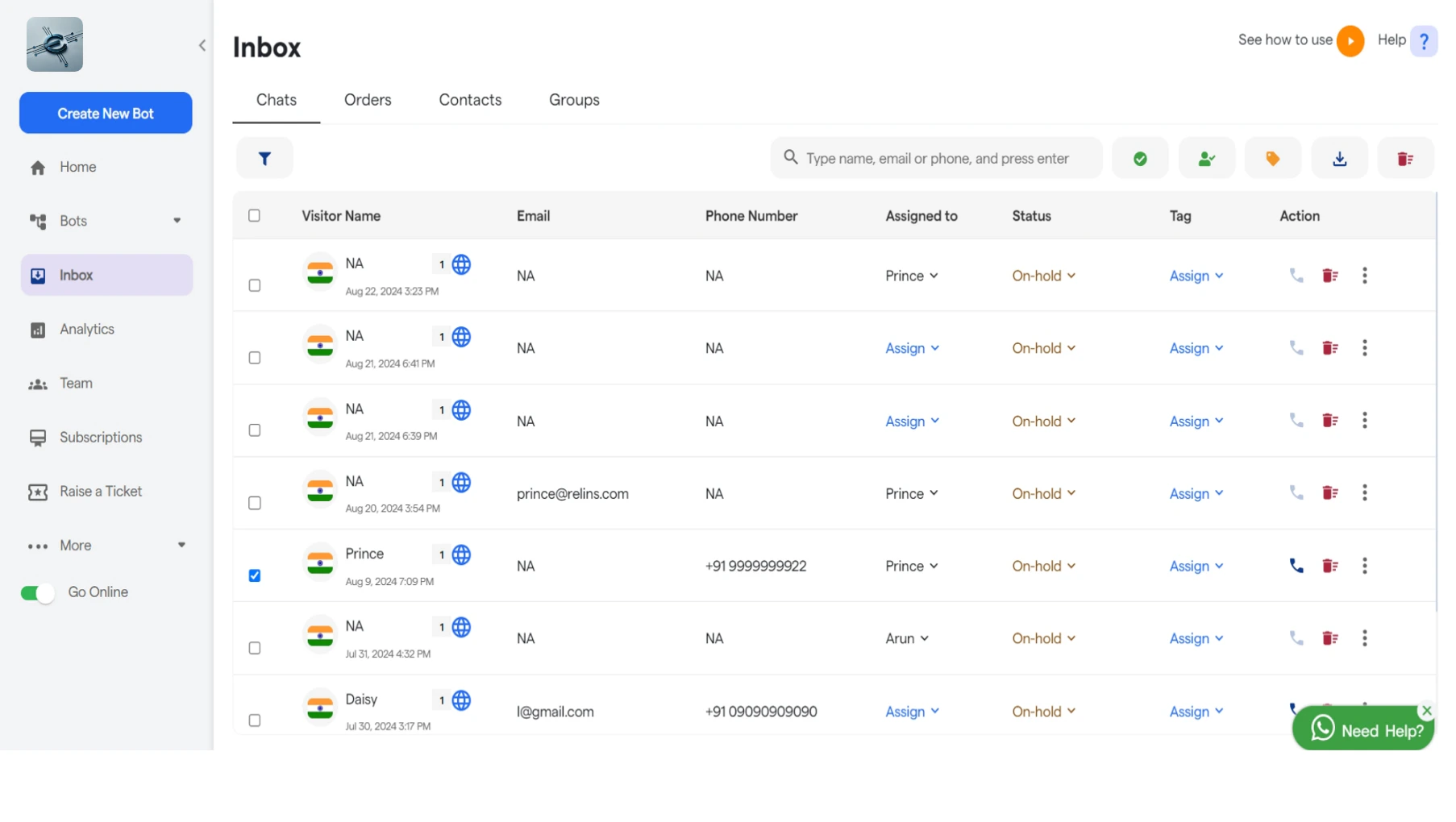
 Click on **“Inbox”** to view all your chats.
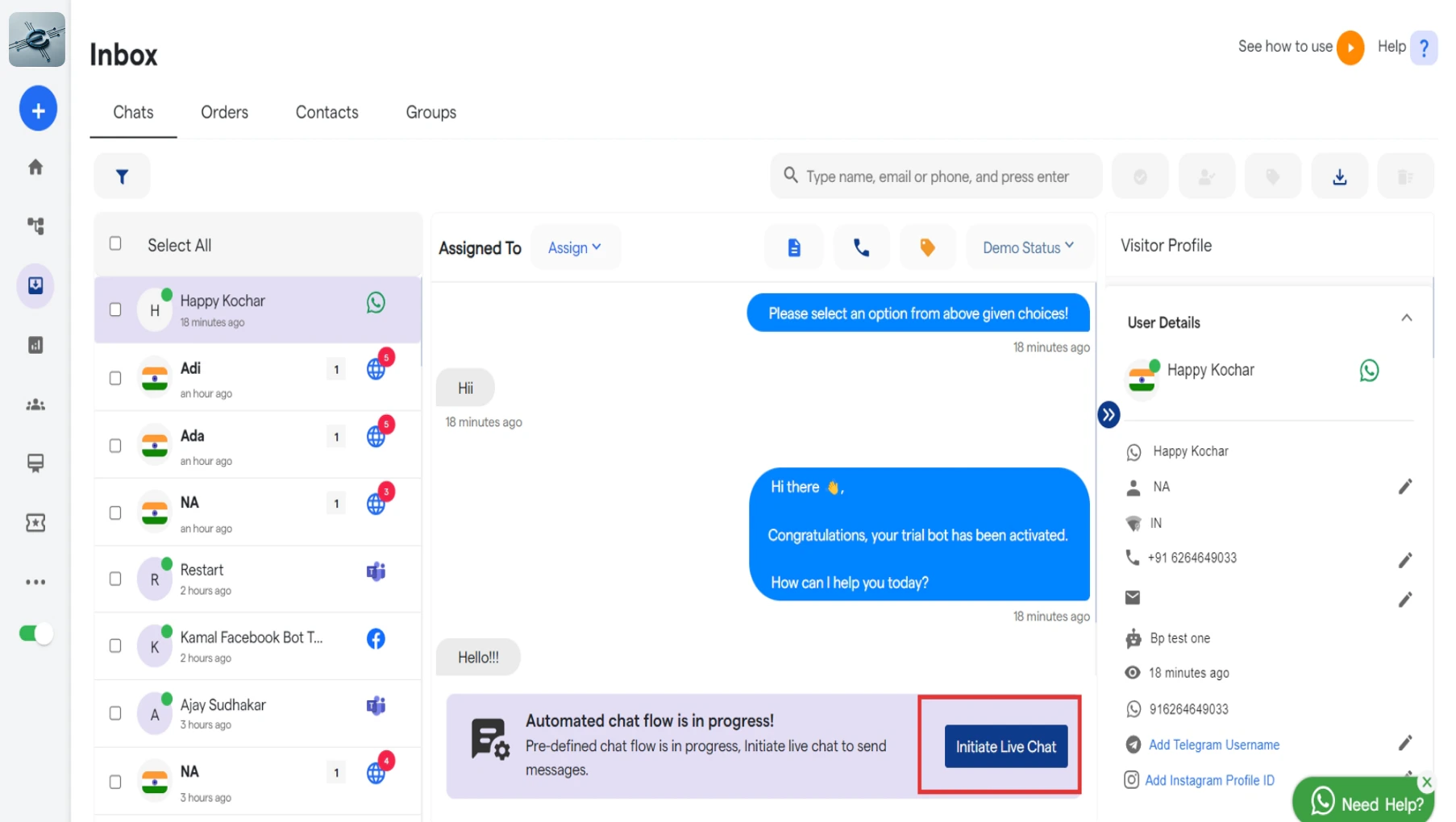
 Select any chat to view the entire conversation between user and your chatbot.
You accept the live chat request or either click on **“Initiate Live Chat”** to chat with user.
Select any chat to view the entire conversation between user and your chatbot.
You accept the live chat request or either click on **“Initiate Live Chat”** to chat with user.
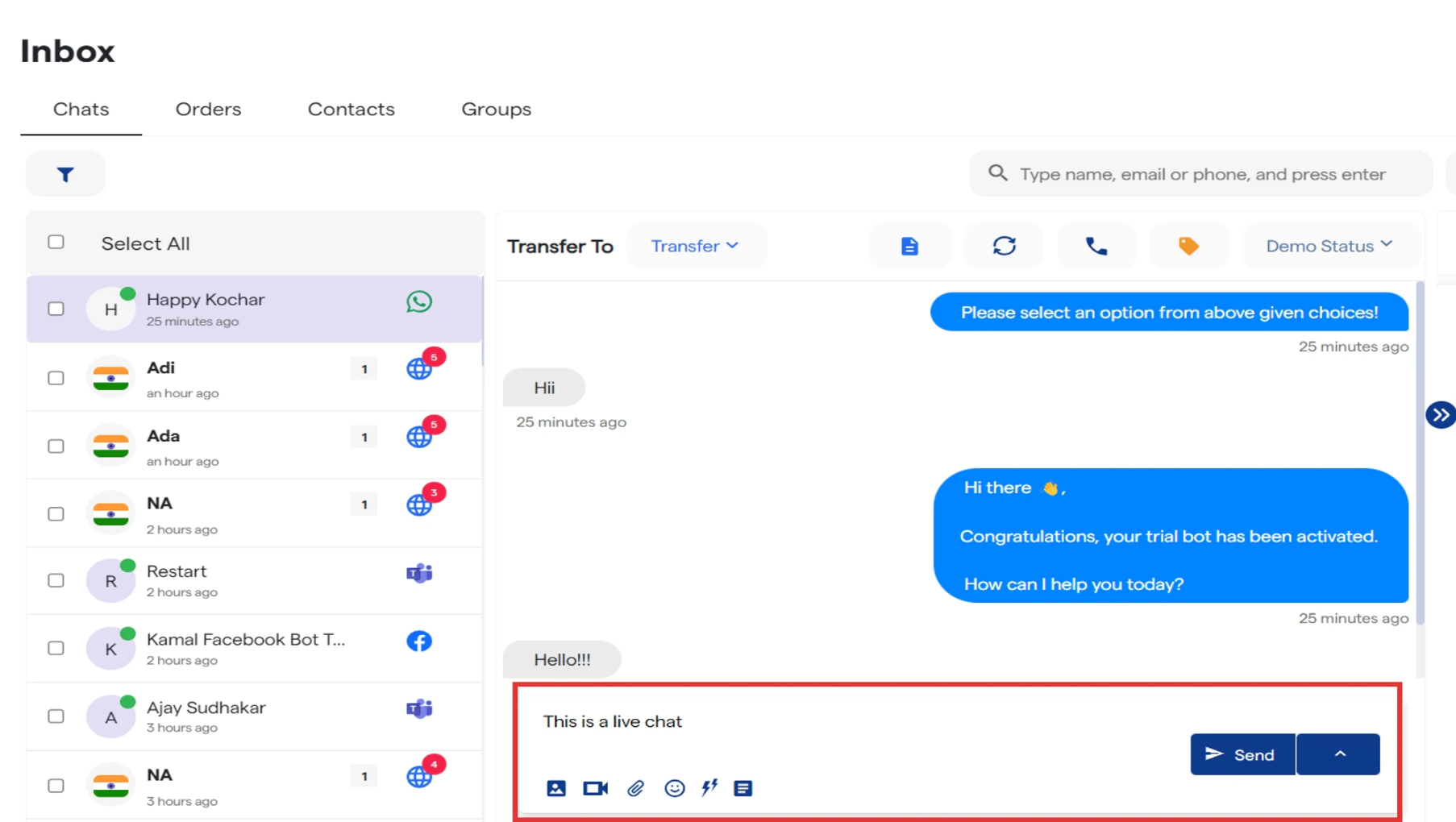 Now you can type your message in a live conversation with your customer.