
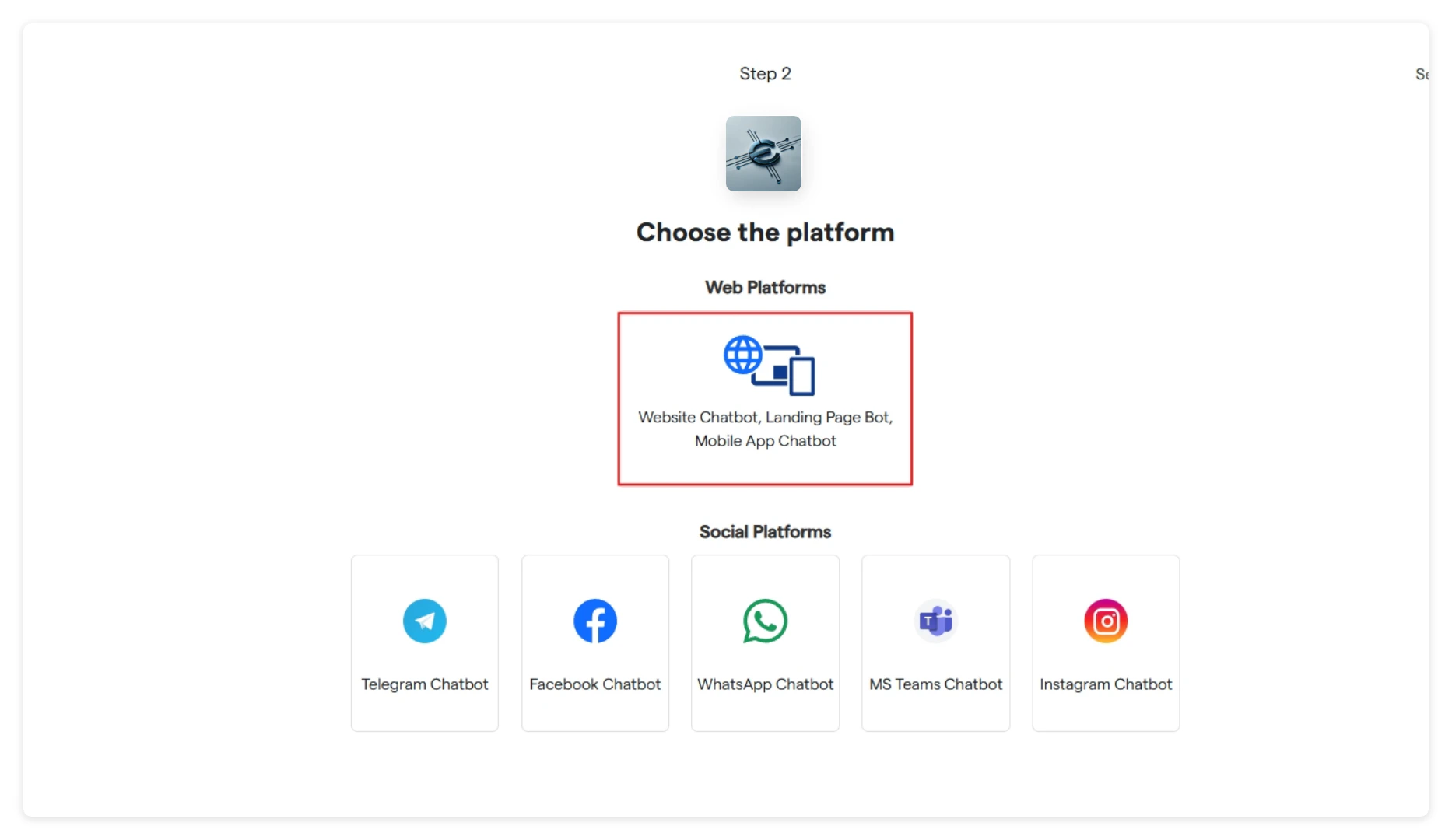
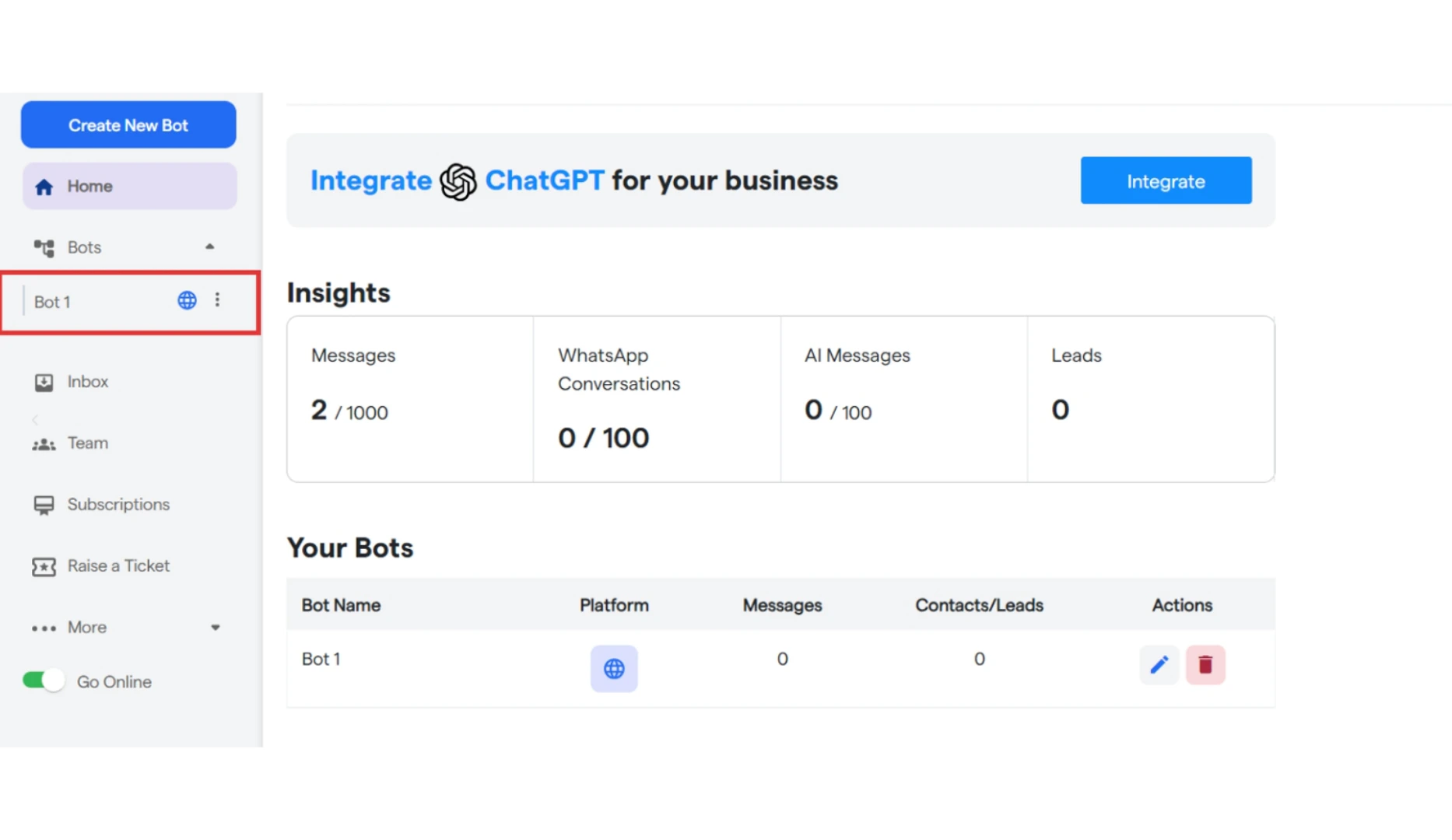
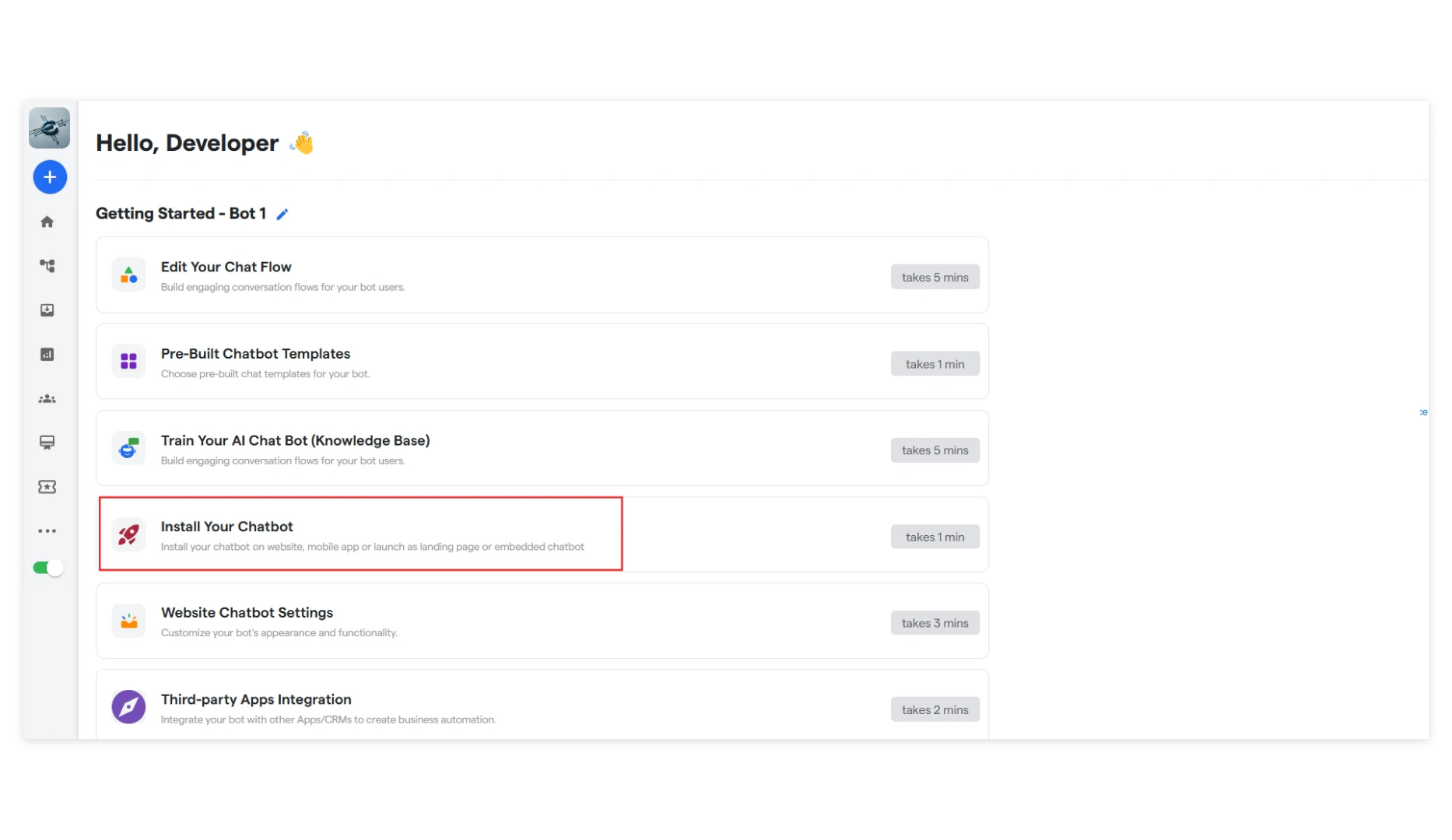
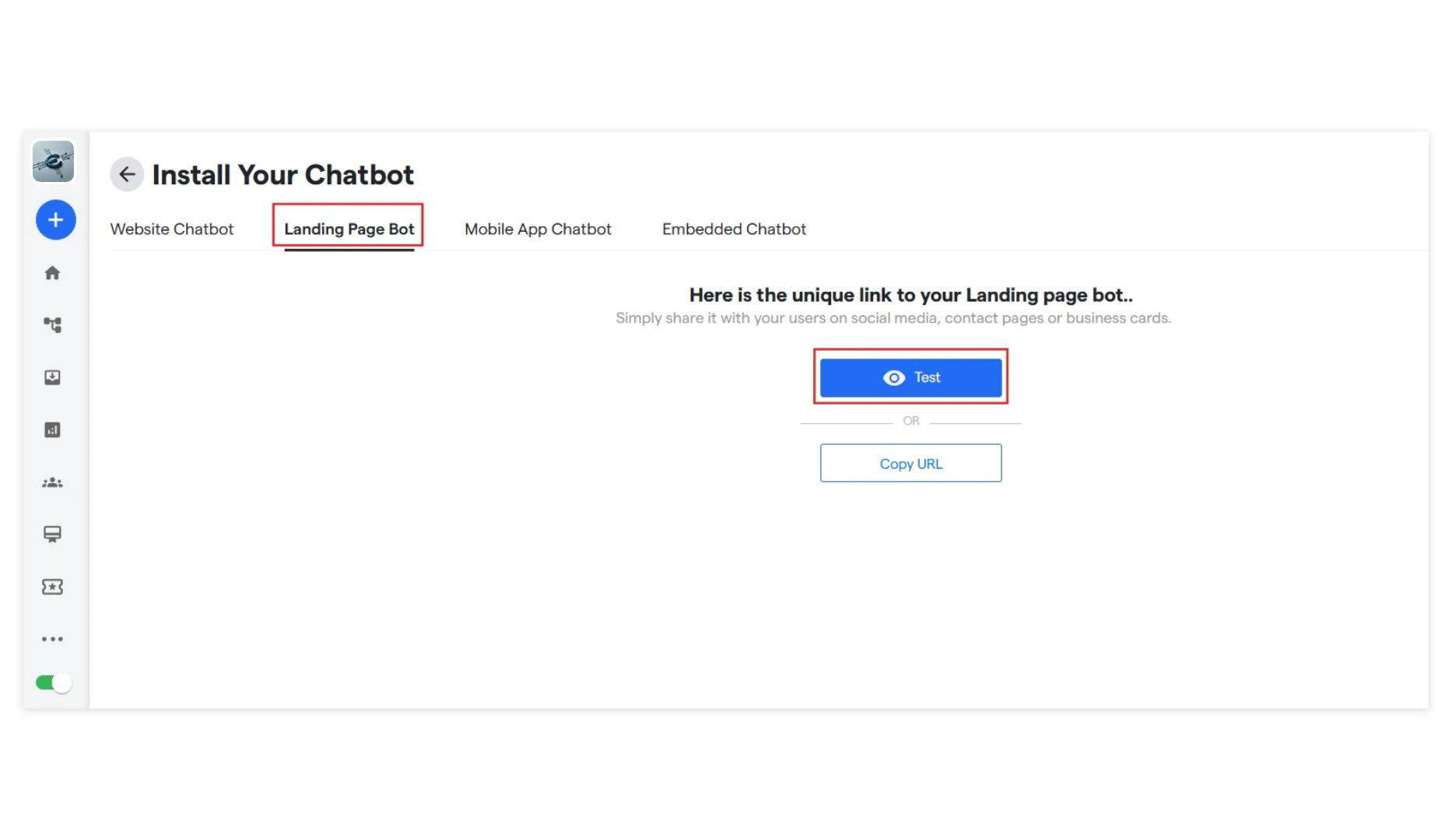
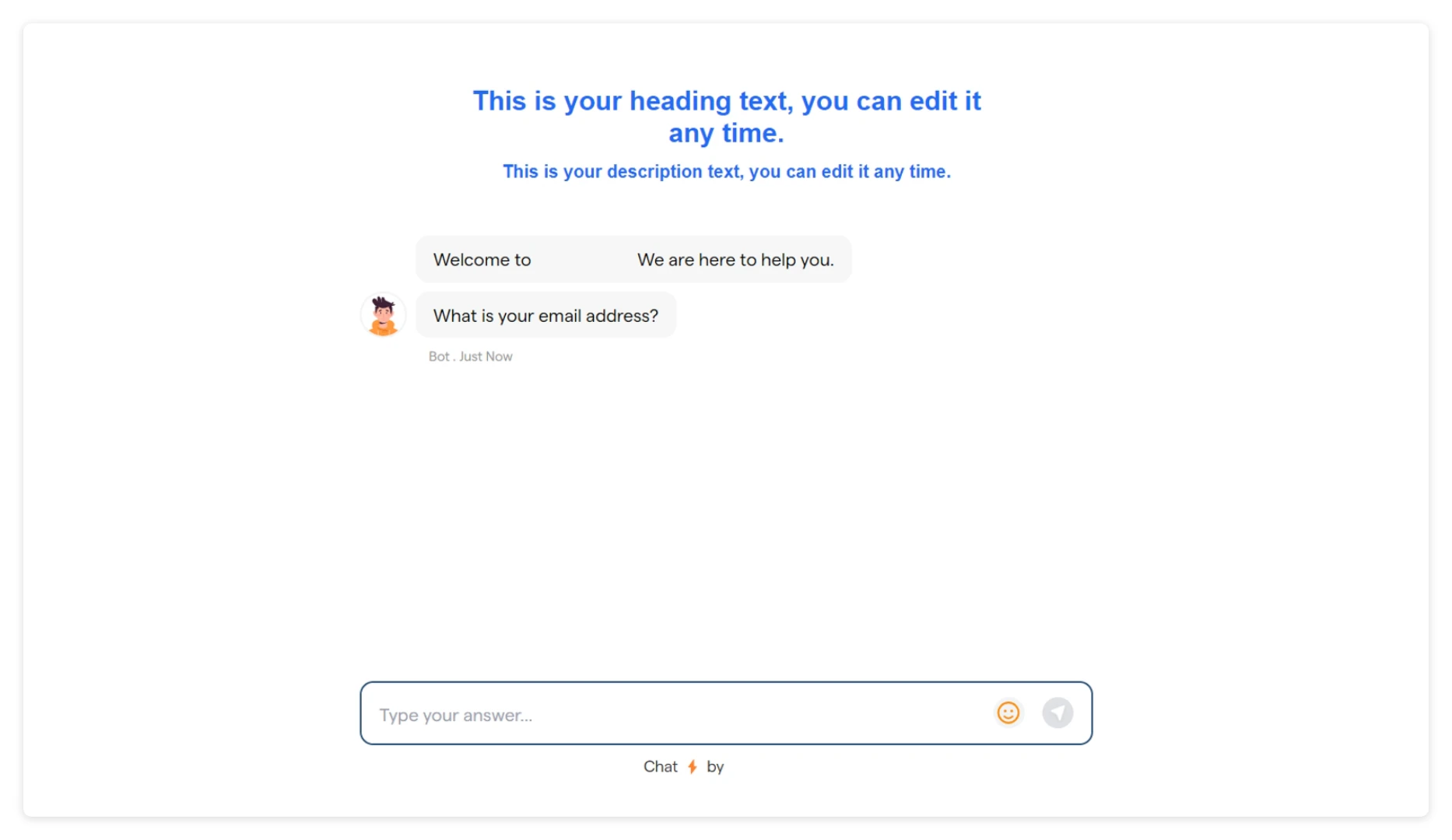
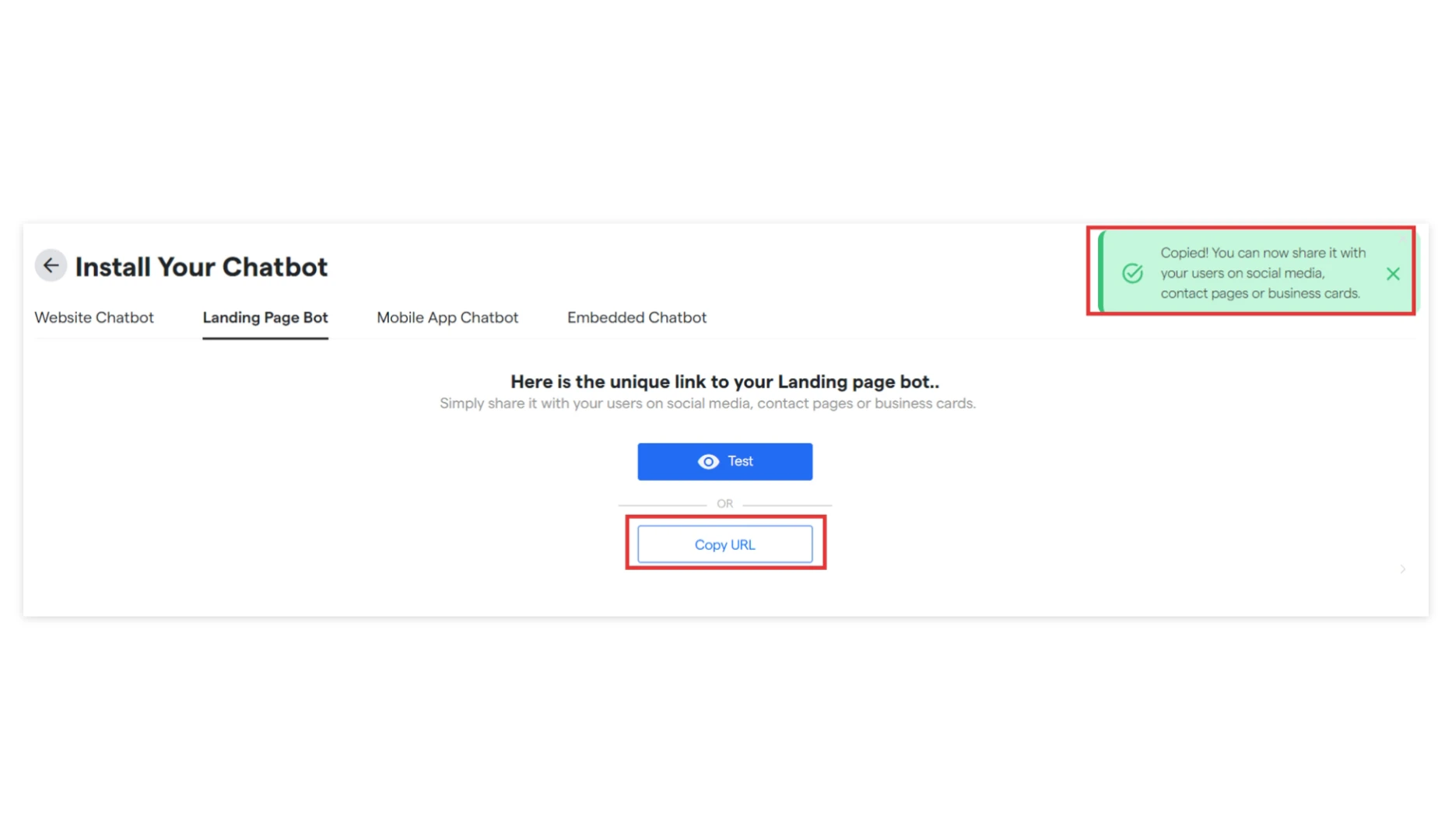
You have created your Landing Page Chatbot.
Embedded Chatbot
Now, if you want to add a chatbot to your landing page, click on “Embedded Chatbot”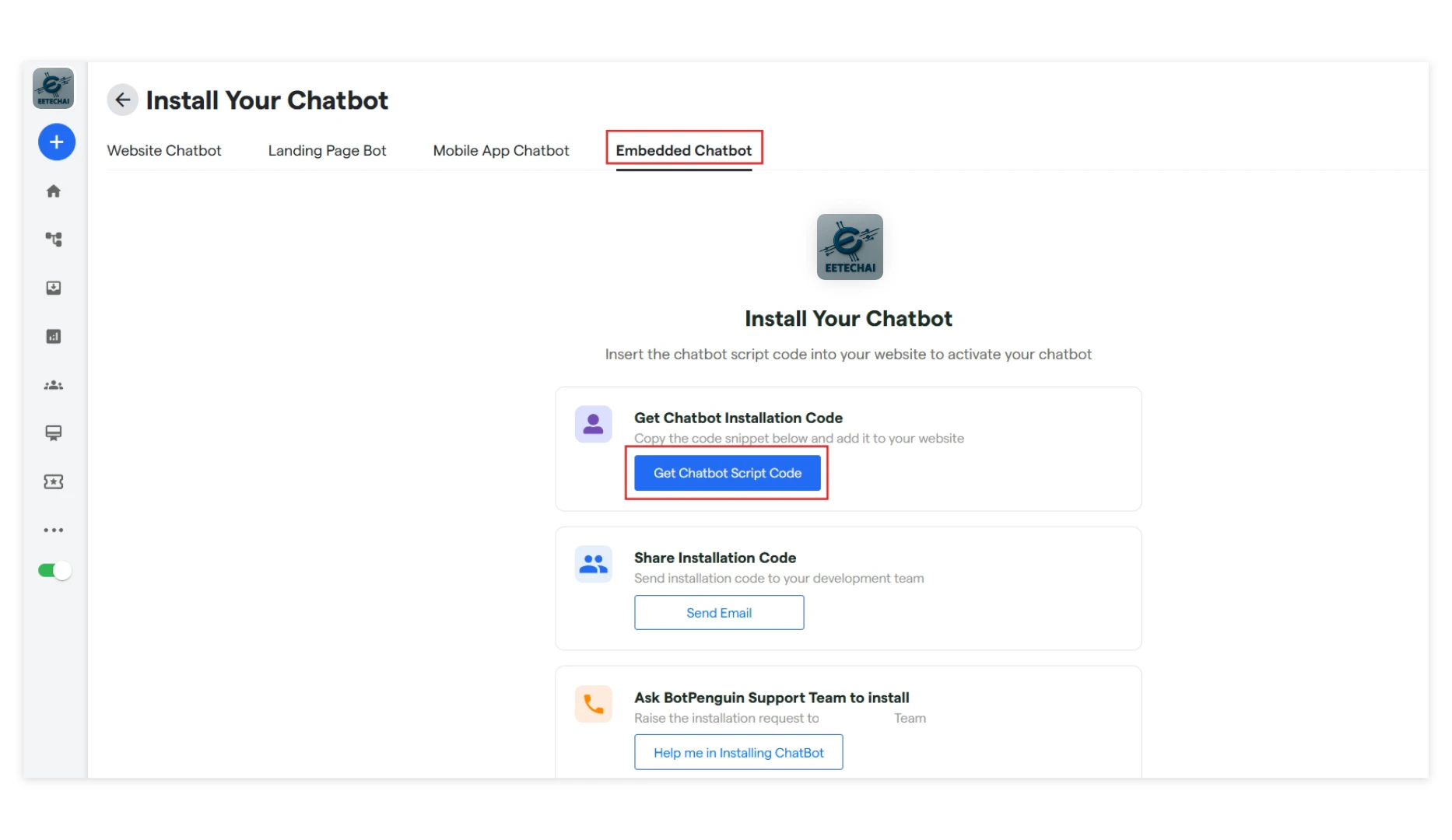
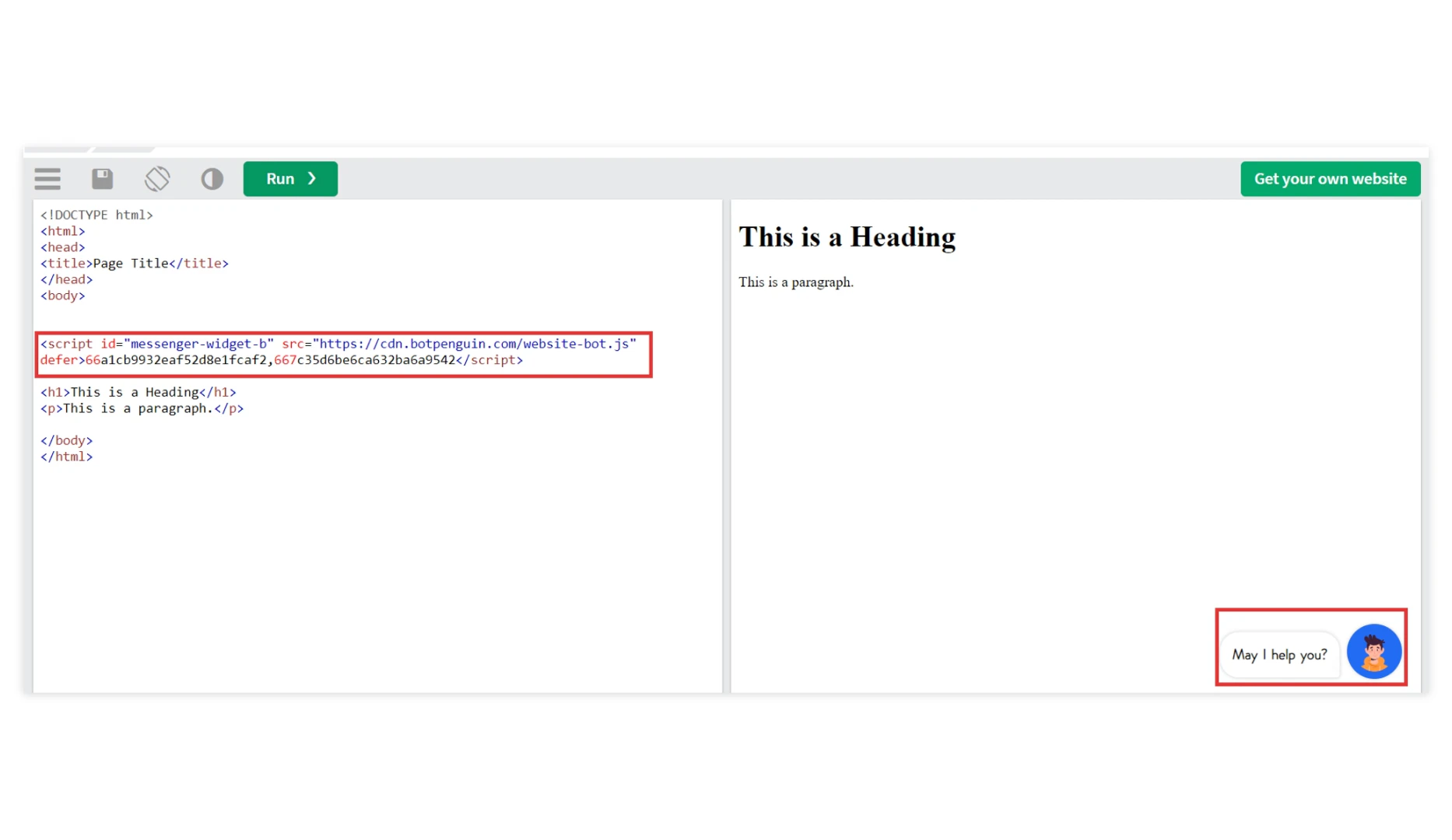
- Get Chatbot Installation code: From this section, you can directly copy the script code for your chatbot.
- Share Installation code: Installation code will be sent directly to your development team via email.
- Ask Eetech Support: Our team will assist you in installing your chatbot.